Remember me
You are here: HomeForumCyberix3D ForumGeneral Discussion
Welcome, Guest
Username: Password: Remember me

TOPIC: Camera settings

Camera settings 1 year 3 months ago #3397

  • Mohamadjavad-
  • Mohamadjavad-'s Avatar
  • OFFLINE
  • Fresh Boarder
  • IranianGameCreator
  • Posts: 18
Hello cyberx3d team
I am making a game and I ran into a problem
I made a menu for my game and when I click on the start button I successfully enter the game environment
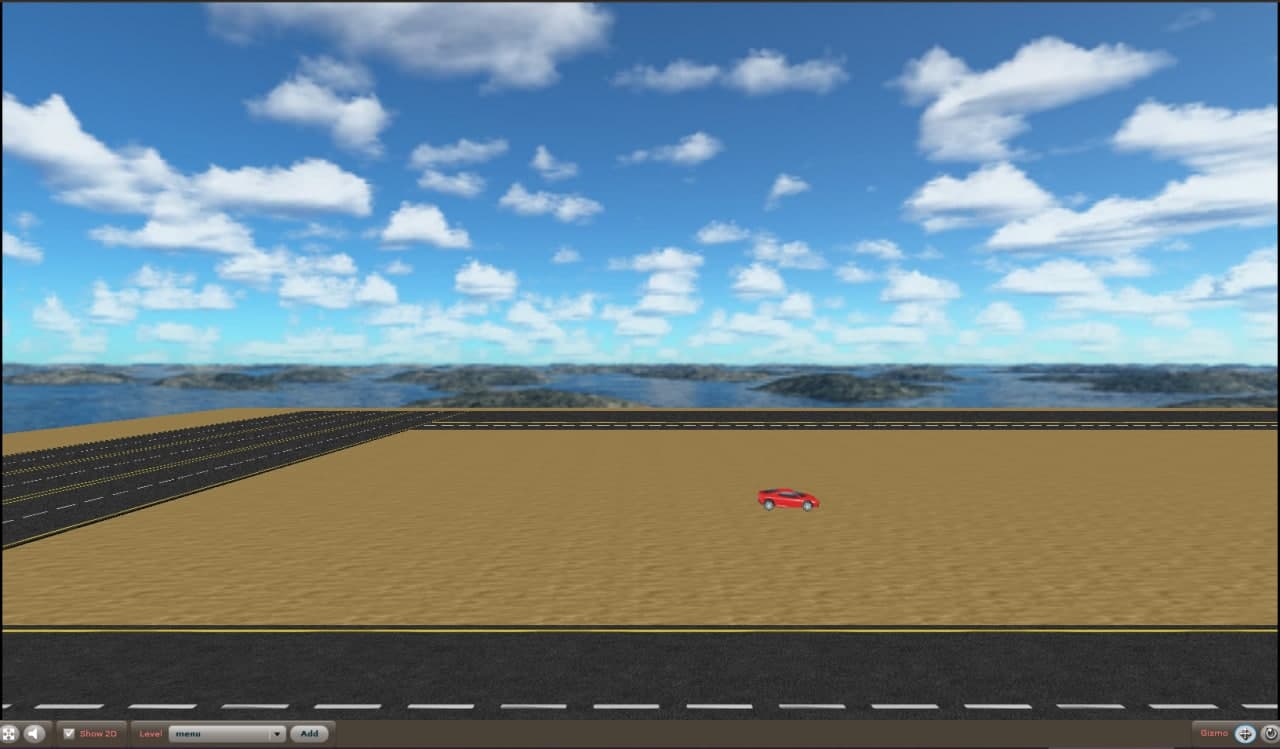
But in the game environment, the camera is completely fixed and does not follow the car.
That is, the camera is fixed in one place and the car can move, but the camera does not follow it :(
The administrator has disabled public write access.

Camera settings 1 year 3 months ago #3401

  • cyberix3d
  • cyberix3d's Avatar
  • OFFLINE
  • Administrator
  • Posts: 792
  • Thank you received: 797
Hello,

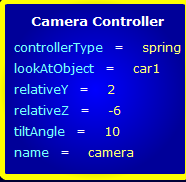
You need to do two things to make the camera follow the car:
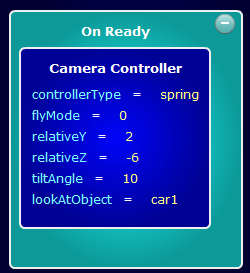
1. Place the camera controller inside the On Ready block.
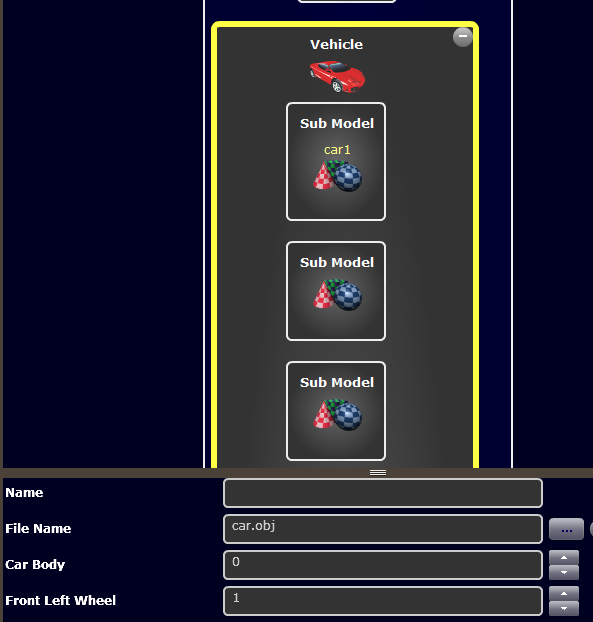
2. Make sure that the car name is assigned only to the first sub-model and not to the car itself.

car_camera_problem.png


car_camera_problem2.png


Please let us know if this solves the problem.

Regards,
Cyberix3D Team
The administrator has disabled public write access.
The following user(s) said Thank You: Mohamadjavad-

Camera settings 1 year 3 months ago #3405

  • Mohamadjavad-
  • Mohamadjavad-'s Avatar
  • OFFLINE
  • Fresh Boarder
  • IranianGameCreator
  • Posts: 18
It worked perfectly
thank you
The administrator has disabled public write access.

how to make cut scenes in Cyberix3D 1 year 1 month ago #3469

Hello,

I want to make a game with cut scenes. But I don't know how I can do it? Can anyone please help me by teaching me this. I want that every controls (even camera movement by mouse) will turn off during the cut scene.

Thank You.
The administrator has disabled public write access.

how to make cut scenes in Cyberix3D 1 year 1 month ago #3470

  • cyberix3d
  • cyberix3d's Avatar
  • OFFLINE
  • Administrator
  • Posts: 792
  • Thank you received: 797
Hello,

You can use a combination of SetCamera, CameraController, and Animate to control camera movement and enable or disable user input.

Here’s an example with view source:
www.gamemaker3d.com/player?pid=01665987

Best regards,
Cyberix3D Team
The administrator has disabled public write access.
The following user(s) said Thank You: Symbiotic Interactives, 01744379779
Time to create page: 0.097 seconds